
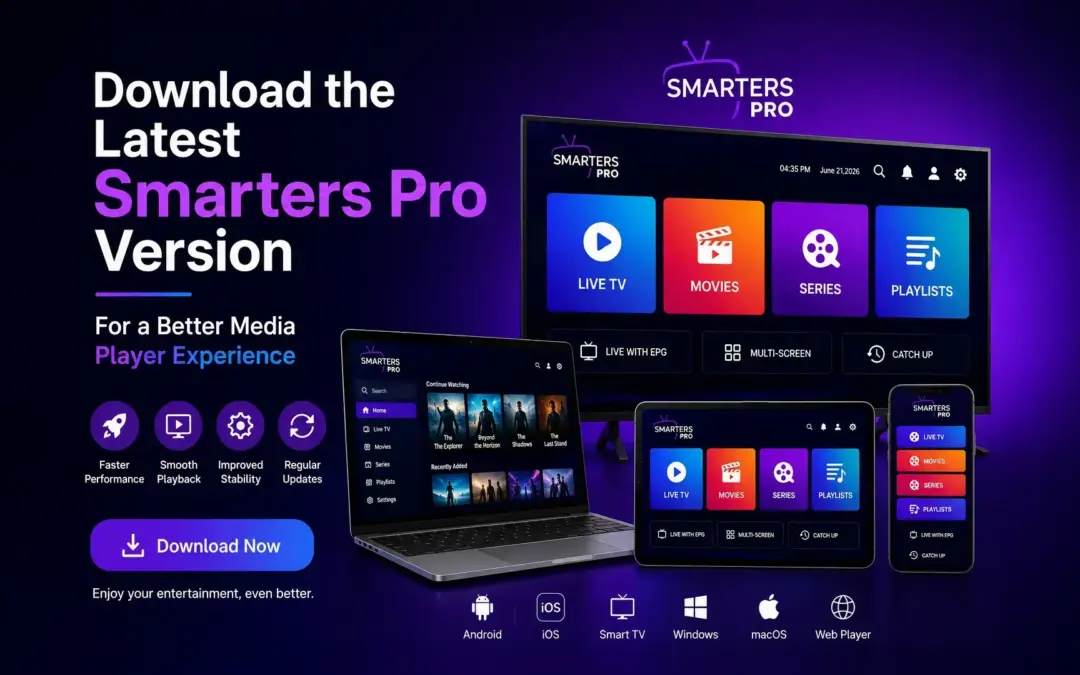
A good media player should make it easy to access, organize, and play your compatible content without making the experience unnecessarily complicated. As devices, operating systems, and playback technologies continue to evolve, keeping your media player updated can also help you take advantage of newer features and performance improvements.
If you are using an older version of Smarters Pro, it may be time to download the latest Smarters Pro version and experience the improvements available in the newest release.
Smarters Pro is designed as a top IPTV player and OTT media player, supporting compatible playlists and personal media across supported devices. The current Google Play listing identifies support for M3U, JSON, and other standard playlist formats, along with Android, iOS, Windows, macOS, and additional platforms.
Why Should You Download the Latest Smarters Pro Version?
Applications are regularly updated to improve compatibility, stability, performance, and functionality. An older media player may continue to work, but it may not provide the improvements available in a newer release.Downloading the latest Smarters Pro version gives users an opportunity to start with the most recently available build for their supported device.
The latest Google Play update listed for Smarters Pro was released on August 3, 2026. Its update notes include an integrated VLC Player, support for multiple decoders, the ability to switch between available media players following consecutive playback failures, and overall performance improvements.These changes are particularly useful for users looking for a flexible media player that can handle different playback requirements.
Smarters Pro as an IPTV Player
An IPTV player is designed to provide a convenient interface for playing compatible media sources and playlists.Smarters Pro supports multiple playlist formats, including M3U and JSON, allowing users to manage compatible sources through a single media-player application.
Rather than relying on a separate application for every media source, users can use a centralized player to organize and access their compatible content.The experience can be particularly useful for people who use different devices throughout the day and want a familiar media-player environment across supported platforms.
A Modern OTT Media Player
Today's users expect more from a media player than simply opening a video file.A modern OTT media player should offer convenient navigation, flexible playback options, broad device compatibility, and support for different types of media sources.
Smarters Pro is designed with this type of flexibility in mind. Its official website lists availability across platforms including Android, Android TV, iOS, Apple TV, Windows, macOS, Smart TVs, and WebTV Player, although availability and version numbers can differ by platform.This cross-platform approach makes it easier for users to choose a compatible environment based on the device they already own.
What Makes the Latest Version Better?
The main advantage of updating is not simply having a newer version number. The real benefit comes from the improvements included in the release.
The latest listed Google Play release includes several notable playback-related improvements.
Integrated VLC Player
The latest update integrates VLC Player as a built-in playback option. This provides an additional playback environment within the application.
Multiple Decoder Support
Support for multiple decoders can provide greater flexibility when handling different playback requirements.
Player Switching
The latest version can switch between available media players after consecutive playback failures, according to the current Google Play update notes.
Performance Improvements
The release also includes overall performance improvements, making the update relevant to users who want a more refined media-player experience.
Smarters Pro for Multiple Devices
One of the biggest advantages of a modern media player is flexibility across devices.
The official Smarters Pro website currently provides download options for several platforms, including Android phones, Android TV, iOS, Apple TV, Windows, macOS, and compatible Smart TVs.
Android
Android users can install the supported Smarters Pro version on compatible smartphones and Android TV devices.
iOS
Smarters Pro is also available for supported iPhone and iPad environments.
Smart TVs
For compatible Smart TV platforms, the application provides a large-screen media-player experience designed for easier navigation.
Windows and macOS
Desktop users can also access supported versions for Windows and macOS.
Because application versions and availability can vary between platforms, always check the appropriate official download option for your device before installing an update.
How to Download the Latest Smarters Pro Version
Downloading an updated version is straightforward when you use the appropriate official source.
Step 1: Identify Your Device
First, determine whether you are using Android, Android TV, iOS, Apple TV, Windows, macOS, or a supported Smart TV.
Step 2: Use the Appropriate Official Source
Visit the official Smarters Pro website or the relevant official app store for your platform.
Step 3: Verify the Application
When using an app store, check the application name and developer information before installing it. The current Google Play listing identifies the developer as Tech Smarters Private Limited.
Step 4: Install or Update
If a newer version is available, install or update the application according to your device's normal installation process.
Step 5: Add Your Compatible Media
After installation, configure the application with your own compatible media sources or playlists.
Smarters Pro does not provide, host, sell, or distribute media content or channel subscriptions. Users are responsible for the media and sources they add to the application.
Why Use an Updated Media Player?
Using an updated media player can make a noticeable difference in how you interact with your content.A current version may provide:
- Improved playback functionality
- Better application performance
- New playback options
- Updated device compatibility
- Bug fixes and software improvements
- Support for newer application features
- A more refined user experience
For users who regularly switch between smartphones, tablets, computers, and larger screens, having a flexible cross-platform media player can also make the overall experience more convenient.
Smarters Pro vs a Basic Online Video Player
A basic online video player may be enough when you simply want to open and play an individual video.However, users managing multiple compatible playlists or media sources may want more organization and flexibility.
Smarters Pro is designed around a broader media-player experience, with support for playlist formats such as M3U and JSON and availability across multiple supported platforms.This makes it more suitable for users looking for an IPTV player or OTT-oriented media player rather than a simple file playback tool.
Smarters Pro vs Traditional Media Players
Traditional media players such as VLC are widely used for playing local media files and supporting different formats.Smarters Pro takes a more specialized approach by focusing on an IPTV and OTT-oriented media-player experience, including playlist management and multi-platform accessibility.
The latest Smarters Pro release also integrates VLC Player as a built-in player and adds multiple decoder support, combining additional playback flexibility with the application's broader interface.The right choice ultimately depends on what you need from your media player. If you want a general-purpose player for individual files, a traditional media player may be sufficient. If you need a player designed around compatible playlists and OTT-oriented media management, Smarters Pro provides a different type of experience.
Is Smarters Pro a Streaming Service?
No. Smarters Pro is a standalone media player, not a streaming service or content provider.It does not provide its own movie library, channels, subscriptions, or third-party content. Users add and manage their own legally acquired or authorized media sources.
This distinction is important because the application is designed to provide the playback environment rather than supply the content itself.
Who Should Download the Latest Smarters Pro Version?
The latest version can be a good option for users who:
- Are using an older version of the application
- Want access to newer playback features
- Need a flexible IPTV player
- Use compatible M3U or JSON playlists
- Want an OTT media player across multiple supported devices
- Are experiencing playback problems with an older build
- Want the latest available performance improvements
If your existing version is working well, an update may still be worthwhile when a newer release is available for your device.
Final Thoughts
A media player should keep up with the way people use their devices and consume digital media.
If you are still using an older build, downloading the IPTV Smarters Pro latest version gives you access to the most recent improvements available for your supported platform. The latest Google Play release includes an integrated VLC Player, multiple decoder support, player switching capabilities, and overall performance improvements.
With support for compatible M3U and JSON playlists and availability across multiple platforms, Smarters Pro provides a flexible option for users looking for an IPTV player, OTT media player, online media player, or modern media-player solution.
If you want a more updated playback experience, start by checking your current application version and download IPTV Smarters version available for your device.
Frequently Asked Questions
What is the latest Smarters Pro version?
The latest version depends on the platform. The Google Play listing currently shows a Smarters Pro update dated August 3, 2026, while the official website lists different versions for different supported devices.
Why should I update Smarters Pro?
Updating can provide access to newer playback functionality, performance improvements, bug fixes, compatibility improvements, and other changes included in the latest release.
Does Smarters Pro support M3U playlists?
Yes. The current Google Play listing states that Smarters Pro supports M3U, JSON, and other standard playlist formats.
Is Smarters Pro an IPTV player?
Smarters Pro is a standalone media player that supports compatible playlists and media sources, making it suitable for users looking for an IPTV-oriented media-player experience.
Is Smarters Pro an OTT media player?
Yes. Smarters Pro can be used as an OTT-oriented media player for compatible media sources across supported devices.
Does Smarters Pro provide channels or subscriptions?
No. Smarters Pro does not provide, host, sell, or distribute media content, channels, or streaming subscriptions. Users manage their own legally acquired or authorized media.
Who develops Smarters Pro?
The current Google Play listing identifies Tech Smarters Private Limited as the developer.
Where can I download Smarters Pro?
Use the official Smarters Pro website or the appropriate official app store for your supported device. Always verify the application and developer before installation.